

1
Guided Notes
Notes with the diagrams already drawn, so students follow along as you teach instead of drawing.
How it works
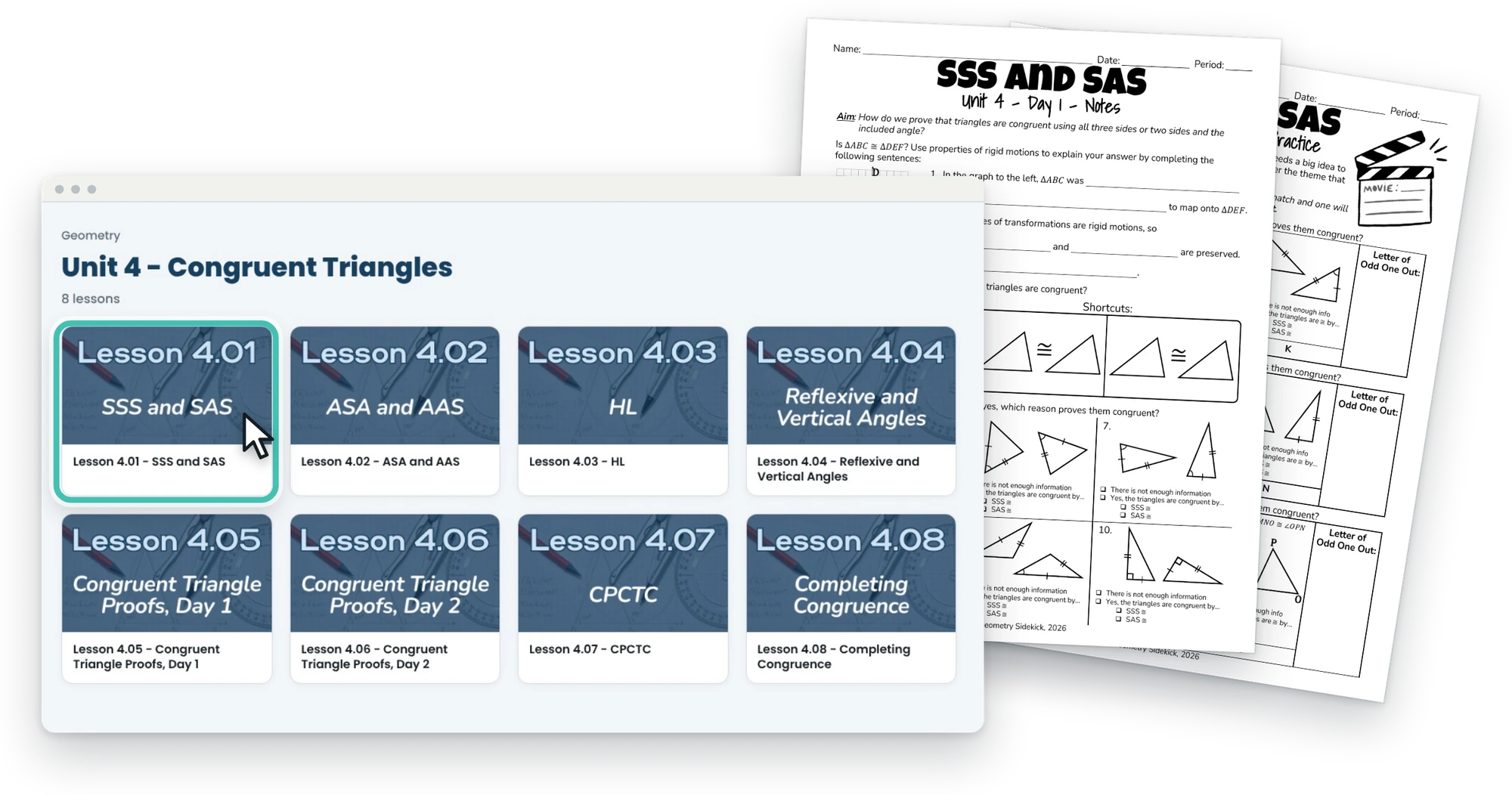
Every lesson sits in its unit, in order, so you can find the one you need on a Monday morning and go teach.
Getting started
1Join
Pick yearly or monthly on the join page. Your login arrives by email and works on any device.
2Open your course
Your course opens to all 11 units of high school Geometry in one place, so you can see the whole year at a glance.
3Pick a unit
Each unit opens to its lessons, numbered in the order you teach them, so you can go straight to the one you need.
4Open a lesson
Every lesson has its own page with all of its files in one place. Download what you need and go teach.
Inside a lesson
So you always know where things are.
1
Notes with the diagrams already drawn, so students follow along as you teach instead of drawing.

2
A ready-to-use activity for in-class practice, independent work or homework.

3
The standards covered, suggestions for how to teach the lesson, and what students need to know before the lesson starts.
4
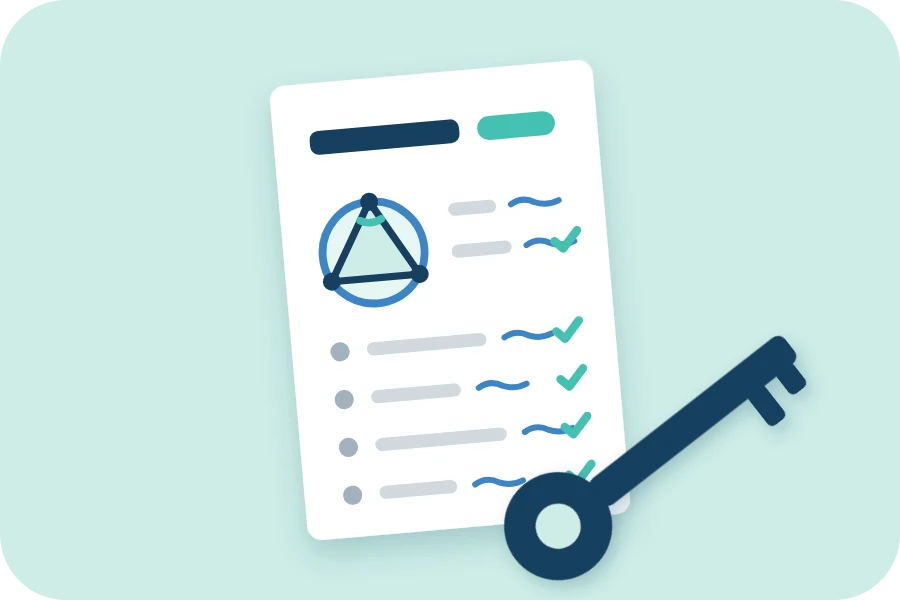
Every step of the notes and the practice, fully worked out.

5
Change a problem, add your own, or edit any page to fit your students.

6
Print and digital activities at several levels of difficulty, in 24 of the 92 lessons.
The files
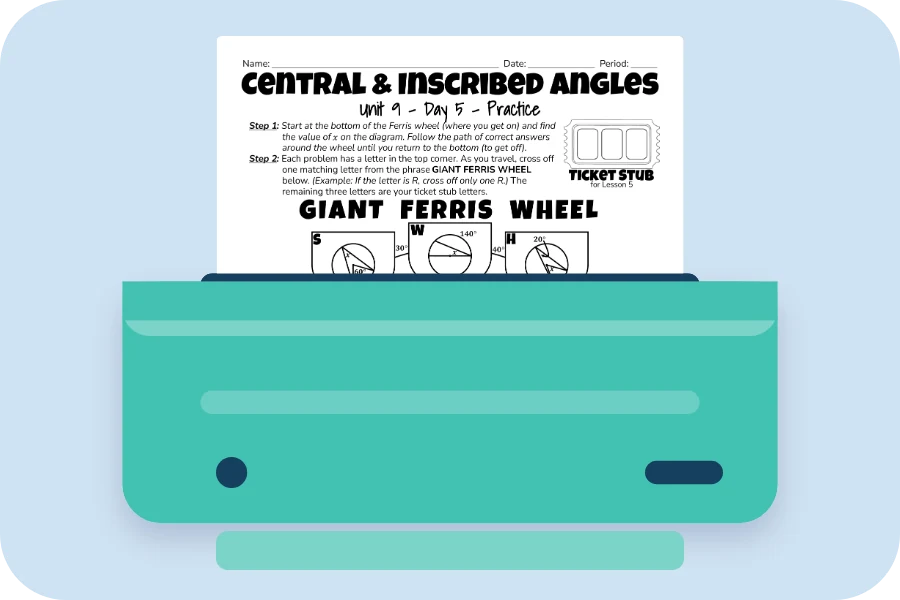
Print the notes and the practice for the day, or share the PDF with students on any device.
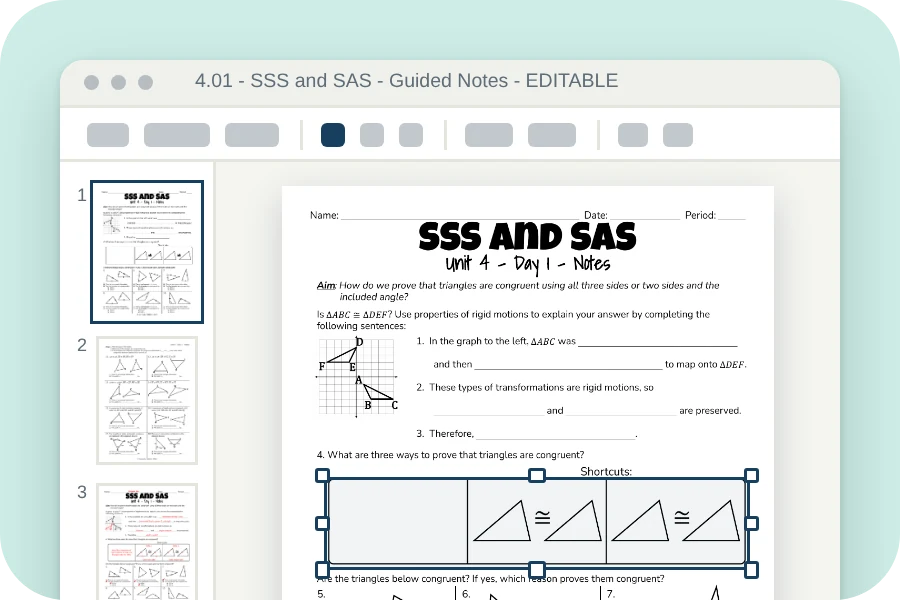
Change a problem, add your own or edit any page to fit your students, then print it or project it.
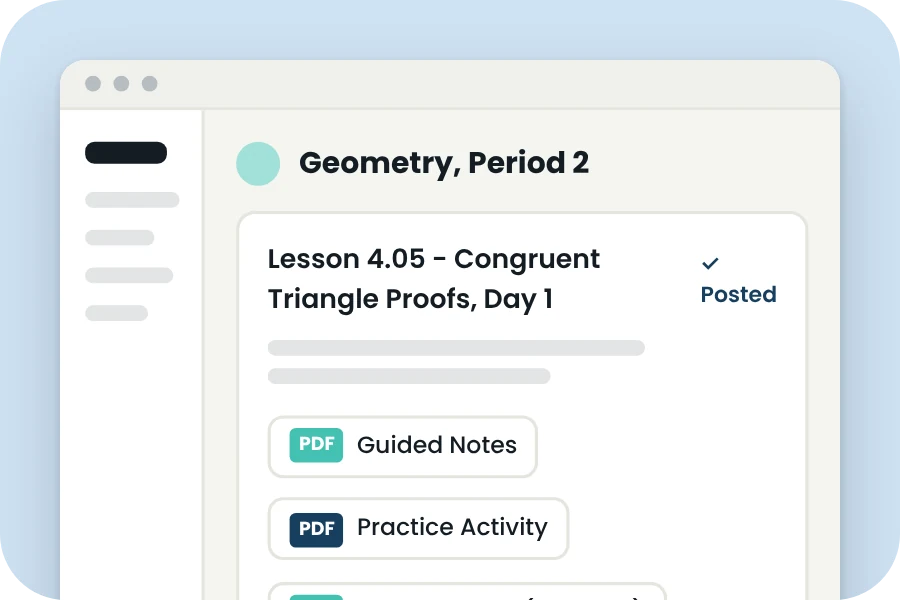
Upload the PDFs to your class page on an LMS such as Google Classroom, Canvas, or Schoology.
Good to know
Your membership is for one teacher.
Print, project or upload the pages for the students in your own classroom, as many copies as they need.
Please don't share the files with other teachers.
Each teacher in your department needs their own membership.
New resources are added every month, included with your membership.
On the way: warm-ups, exit tickets, quizzes, unit test banks,
study guides, review day activities, and more!
$150 a year or $15 a month. Cancel anytime.